
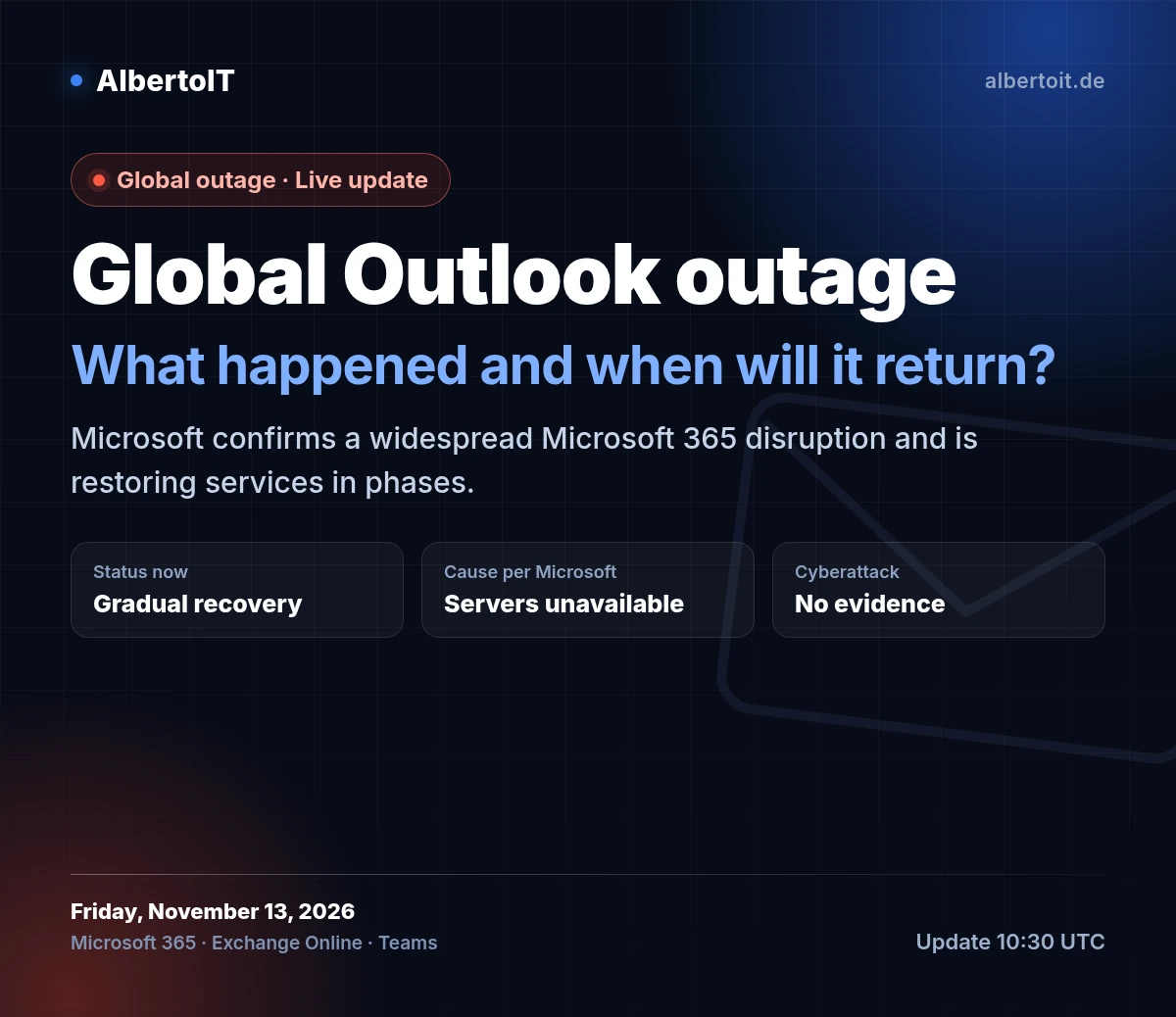
Yes — the outage is real, not a rumour. Microsoft has confirmed a worldwide Microsoft 365 disruption affecting Outlook, Exchange Online, Teams and Copilot. Recovery work was still ongoing at the latest official update, published at 10:01 UTC on Friday, November 13, 2026.
Last updated: November 13, 2026, 10:30 UTC. We will update this article when Microsoft publishes a new status update.
In short: what is happening?
- The outage began on Thursday, November 12, 2026, at around 18:26 UTC.
- According to Microsoft, several servers became unexpectedly unavailable — not a spike in traffic.
- There is no evidence of a cyberattack so far, and recovery is being rolled out in phases.
Which services are affected?
Microsoft’s official status page says the impact is concentrated on features that depend on Exchange Online:
- Outlook on the web, desktop and mobile: users may be unable to access their mailbox, and email delivery may be delayed.
- Microsoft Teams: calendar and meeting issues, while core chats and calls remain available.
- Copilot: Copilot Chat may not load and may be unable to access email, calendar or files.
- SharePoint, OneDrive and Microsoft 365 for the web: some sharing and file features are affected.
- Microsoft 365 admin center and Graph API: some pages and requests may fail or time out.
Why did Outlook go down?
According to Microsoft, the cause was not increased traffic. Several servers became unexpectedly unavailable, putting additional load on the remaining infrastructure and reducing capacity. Microsoft paused deployments, redistributed connection traffic and restarted the affected servers in phases.
The company also said it has no evidence of malicious activity and will publish a full post-incident report with the root cause once mitigation is complete. To protect email during recovery, Microsoft extended the email timeout window to 48 hours so delayed messages are preserved.
Is Outlook back online?
As of 10:01 UTC on November 13, Microsoft reported incremental improvement but said service health remains variable and capacity has not yet returned to baseline. The next official update was scheduled for 11:00 UTC, so check the status page before assuming the incident is over.
What should you do now?
- Check the official status page first — don’t assume the problem is on your device or account.
- Try Outlook on the web if the desktop app cannot connect.
- Don’t resend emails repeatedly; messages may be delivered automatically once service recovers.
- Don’t change DNS or MX records and don’t reinstall apps — the cause is on Microsoft’s side.
- Admins: monitor the admin center, pause deployments and keep your team informed.
Official links to follow the outage
- Microsoft service health status
- Microsoft 365 status
- Microsoft 365 Status on X
- Microsoft 365 admin center (for admins)
- Microsoft 365 (English)
Frequently asked questions
Is the outage only affecting my account?
If colleagues in other regions are seeing the same problem, or email delivery is delayed, it is likely a global issue. The official status page is the primary source.
Is my data at risk?
Microsoft says there is no evidence of malicious activity so far. Never share your password or verification code with anyone claiming to be support because of the outage.
The bottom line
The Outlook outage is global and officially confirmed, and recovery is happening in phases. Follow Microsoft’s status page instead of rumors, and use the steps above until service is fully restored. For businesses on Microsoft 365, a clear internal communication plan during an outage saves time and confusion.
Need help managing Microsoft 365 or your company email? Contact the AlbertoIT team.